Your Mac development workflow, from your phone.
Start or resume Codex and Claude Code sessions, follow live progress, respond to questions and approvals, browse files across your Mac, review Git, use terminal and SSH, or control your Mac screen when needed.
macOS 13 Ventura or newer · Apple silicon and Intel · iPhone and Android
- Runs on your Mac
- End-to-end encrypted
- Browse files on your Mac
 Codex
Codex Claude CodeSSHGITScreen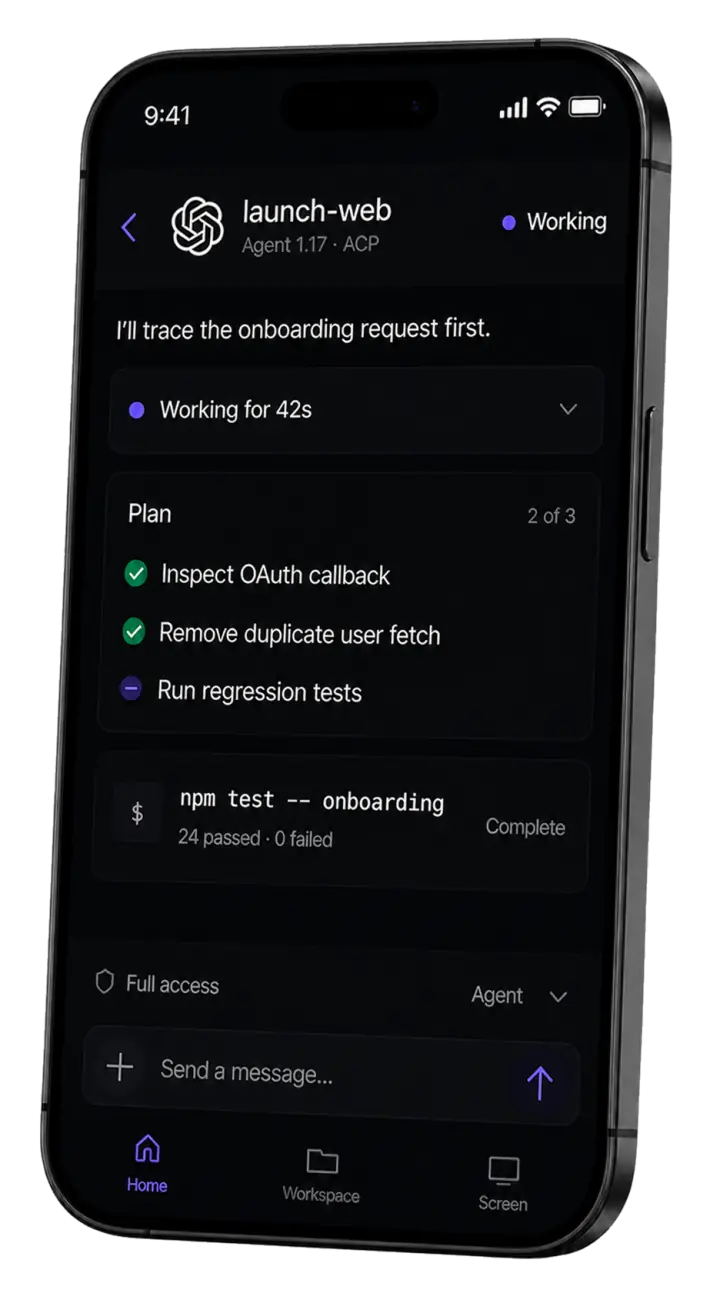
Your coding agent, wherever you are.
Start new or resume existing Codex and Claude Code sessions on your Mac, follow live progress, and respond to questions and approvals.
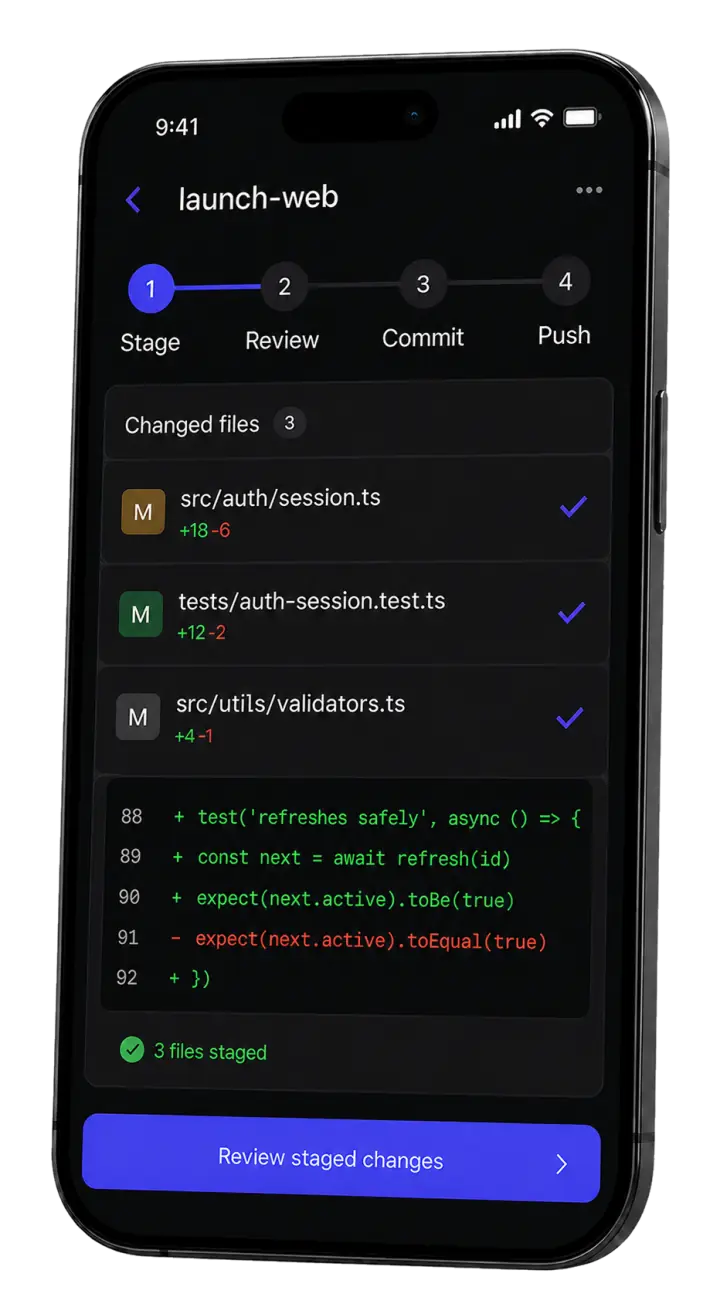
Review the change before it ships.
- Diff
- Stage
- Commit
- Push
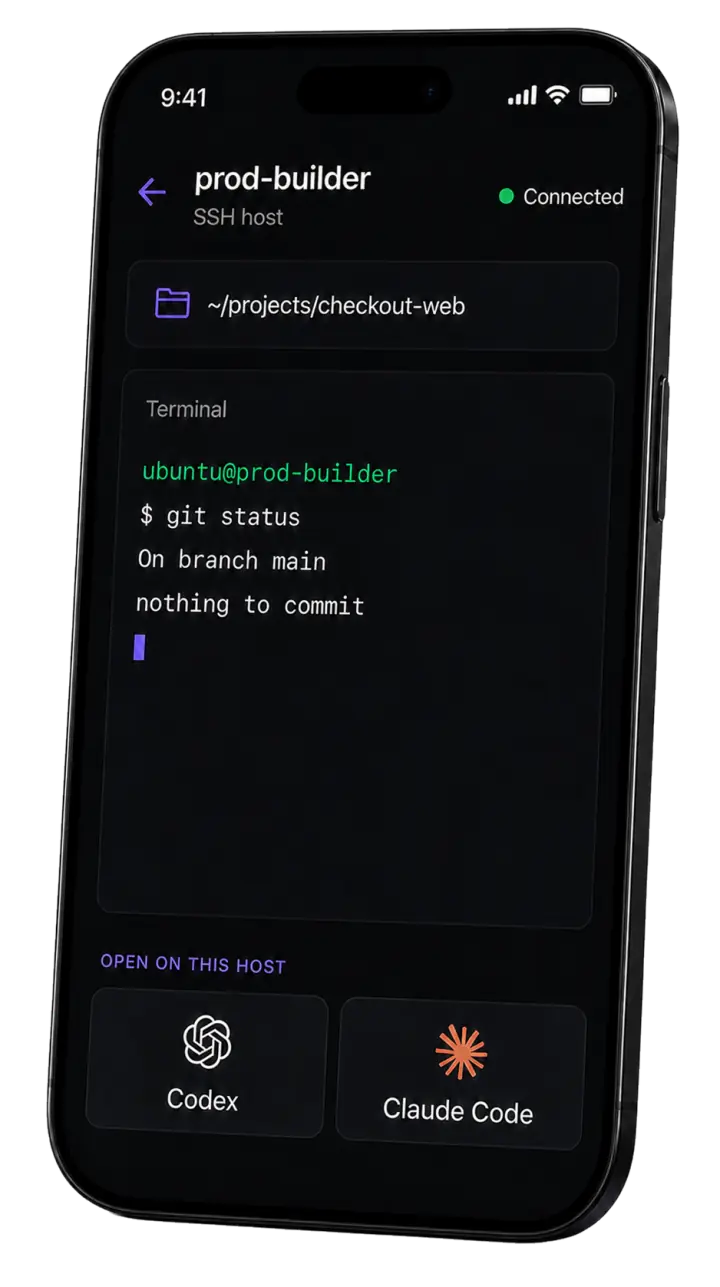
Your remote hosts, in your pocket.
Connect to the SSH hosts you already use from your phone, open a remote shell, and start an AI agent where your code lives.
- Remote shell
- AI agent
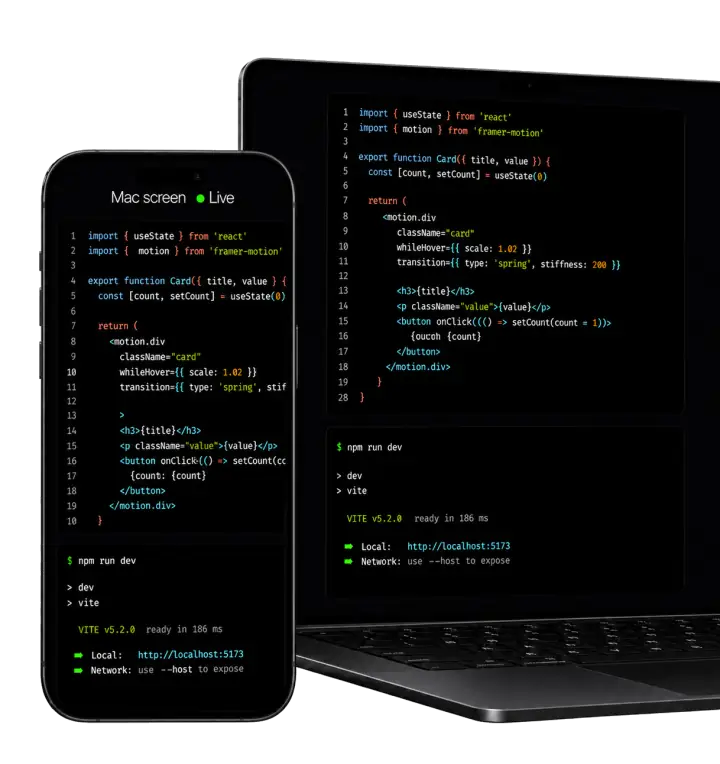
Use your Mac from your phone.
When a task needs VS Code, a browser, or another desktop tool, open a live view of your Mac and control it with touch, keyboard, and familiar modifiers.
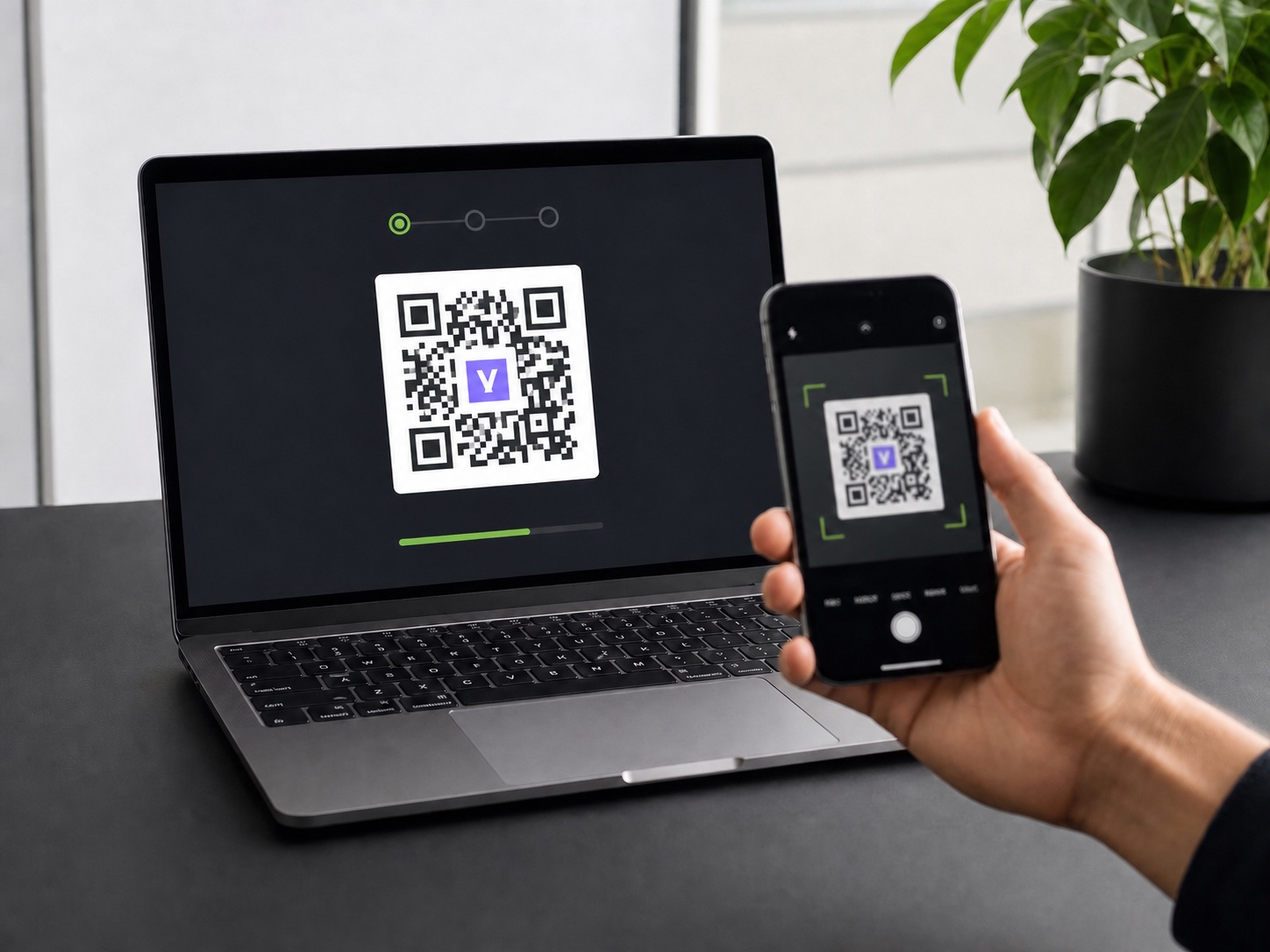
Set up once on the Mac. Pick up from your phone.
- 1Install Vibe Remote
Download the macOS package and complete the standard installer.
- 2Connect this Mac
Run
vibe-remote setup. Your browser opens for GitHub authorization and laptop connection. - 3Pair the phone
Scan the one-use QR, confirm your account, and add the PWA to your Home Screen.
Check the work, not the laptop.
Use a focused mobile action for the common case, and keep full screen control available for the uncommon one.


The practical details.
Does my code run in the cloud?
No. Your code, terminal processes, files, credentials, and coding agents stay on your Mac. Vibe Remote connects your authenticated phone to that machine.
Do I need a native phone app?
No. Vibe Remote is an installable mobile web app. Scan the pairing QR, open it in your browser, and add it to your Home Screen for an app-like experience and push notifications.
Can I use sessions that started outside Vibe Remote?
Yes, but continuing a session started with the standard codex or claude command creates a forked continuation on mobile; it does not make the original Terminal and phone parallel interactive clients. Start with vibe-remote codex or vibe-remote claude when you want one Vibe Remote-managed session available from your Mac and phone.
What happens if my phone disconnects?
The agent or terminal process continues on your Mac. When the phone reconnects, Vibe Remote restores the session and its recent activity.
Can the hosted relay read my terminal or files?
Terminal, file, Git, agent, and control messages are end-to-end encrypted between your paired phone and Mac. Screen video uses encrypted WebRTC.